

Last year, the UK saw a 23 % jump in mobile game downloads, according to App Annie. That spike wasn’t just about more people owning phones; it was about the kinds of games people were chasing. Fast‑paced action titles, casual puzzle packs, and narrative‑heavy RPGs all moved from niche to mainstream. If you’re still buying only a handful of apps, you’re missing the trend that’s reshaping how we play.
Step 2: Pick the Right Device
Performance matters. A 6‑inch screen on a Snapdragon 888 or Apple A14 gives you 60 fps in a 1080p game without draining the battery. Older phones—like the iPhone 8 or Samsung Galaxy S8—can struggle with newer titles, leading to frame drops and longer load times. If your phone feels sluggish when you tap a new release, consider an upgrade or a lightweight, cloud‑based option.
Step 3: Understand Monetisation Models
Free‑to‑play is now the norm, but “freemium” can be a slippery slope. In 2023, 45 % of UK players reported spending at least £10 a month on in‑app purchases. That’s not a hidden cost; it’s a predictable line item. Look for games that offer a clear purchase ladder—cosmetic upgrades, time‑saving boosters, or season passes—rather than “pay‑to‑win” mechanics that skew competitive balance.
Step 4: Leverage Social Features
Games that let you connect with friends or join guilds see higher retention rates. A study by PlayStation reported that players who use in‑game chat or share achievements stay 30 % longer. If you want a community feel, choose titles with built‑in social layers, cross‑play, or live events that keep the experience fresh.
Step 5: Keep an Eye on Data Usage
Next‑gen titles can consume up to 500 MB per hour of gameplay. For UK users on 4G or 5G plans with a 5 GB limit, that adds up fast. Turn on Wi‑Fi whenever possible, or set a data cap in your phone’s settings. A small habit can save you from unexpected overage fees.
Common‑Mistake Aside: Ignoring Battery Life
It’s easy to overlook how a game’s graphics engine affects battery drain. A 60 fps experience on a high‑resolution display can reduce your phone’s battery life by 30 % compared to a 30 fps version. If you’re playing late at night, consider lowering the graphics settings to keep the phone usable for the next day.
Bridging the Gap to Other Digital Fun
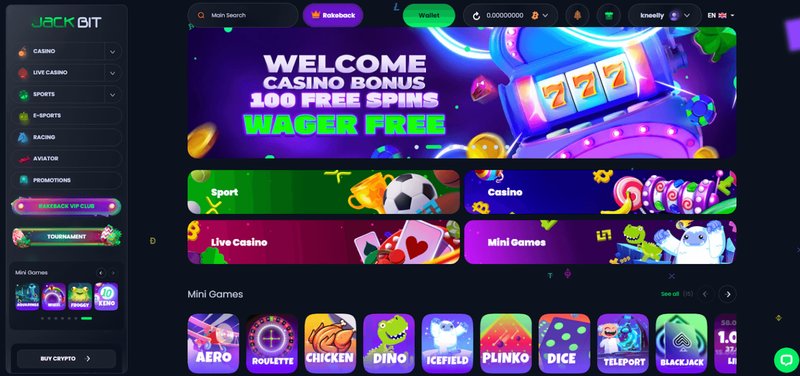
While mobile gaming offers instant gratification, many players also enjoy other forms of online entertainment. For example, Jackbit provides a platform where you can explore interactive stories and virtual escape rooms that complement the casual pace of mobile titles.
Step 6: Test Before You Commit
Download the free demo or watch a gameplay walkthrough on YouTube before spending money. Look for reviews that mention frame rates, load times, and server stability. If the demo feels smooth, you’re likely to enjoy the full version.
Step 7: Set a Budget and Stick to It
Even if a game looks enticing, set a monthly spend limit—say £20—and use an app that tracks in‑app purchases. This habit prevents accidental overspending and keeps gaming a fun, controlled part of your routine.
Conclusion: Embrace the Evolution
The mobile gaming landscape in the UK is no longer a side hobby; it’s a mainstream entertainment medium that rivals consoles and PCs. By choosing the right device, understanding monetisation, and staying mindful of data and battery usage, you can enjoy the next‑gen experience without the pitfalls. Dive in, play smart, and keep your gaming fresh and fun.
Frequently Asked Questions
What caused the 23% jump in UK mobile game downloads last year?
A surge in demand for fast‑paced action, casual puzzles, and narrative RPGs, driven by more mobile users and better device performance.
Which device specs matter most for gaming?
A 6‑inch screen paired with a Snapdragon 888 or Apple A series chip offers the best balance of performance and battery life.
How can I choose the right game genre?
Match your play style: action for quick thrills, casual for relaxed fun, RPG for deep storytelling.